How to Restore Deleted CapCut Videos and Projects 2026
Learn how to recover deleted CapCut projects and videos in 2026. Restore lost files using CapCut Cloud, recovery software, backups, and easy step-by-step methods.
How to Recover Deleted CapCut Projects and Videos in 2026
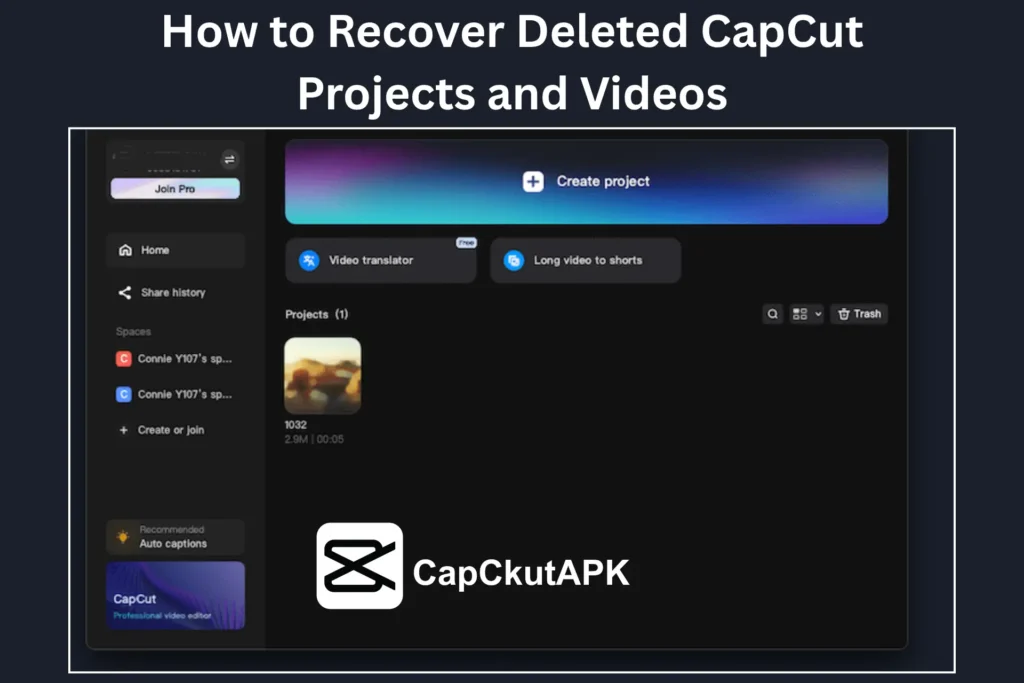
Editing videos in CapCut requires creativity, time, and effort. Losing your CapCut projects or videos can be extremely frustrating, whether it happens due to accidental deletion, app crashes, storage issues, or interrupted file transfers. The good news is that in 2026, there are several effective ways to recover deleted CapCut videos and projects on PC, Mac, and Android devices.
Methods to Recover Deleted CapCut Videos
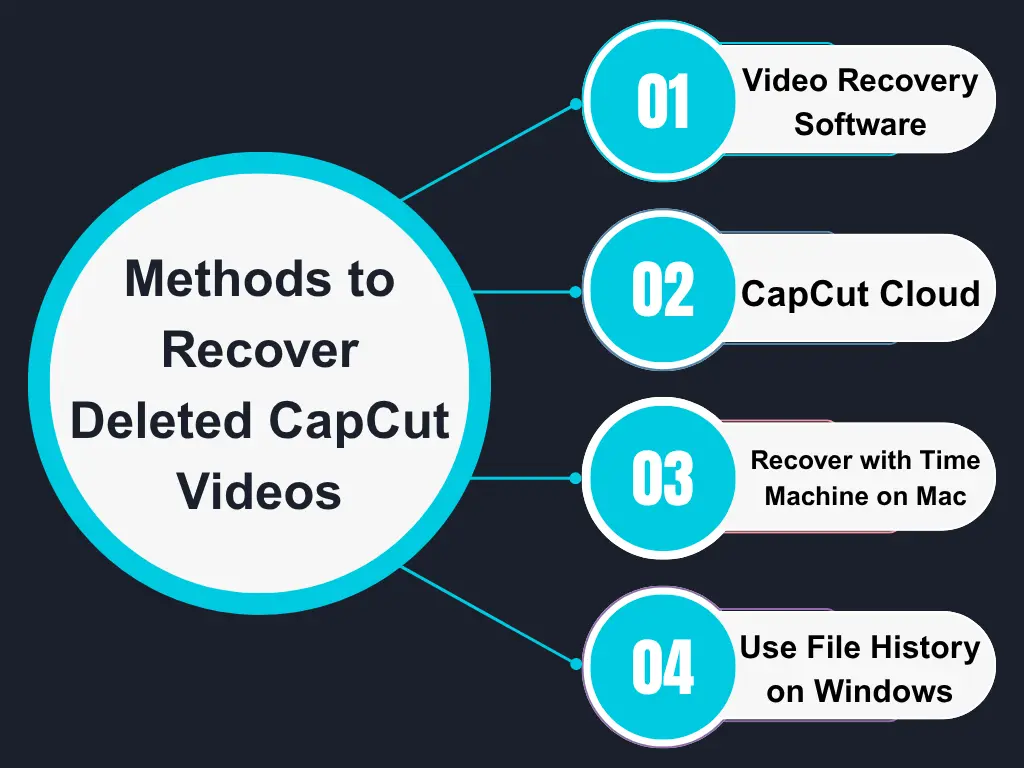
Use Video Recovery Software
Video recovery software is one of the most reliable ways to retrieve deleted CapCut videos from your device.
Steps:
- Download and install a trusted video recovery tool on your PC or Mac.
- Launch the software and select the drive where your CapCut videos were stored.
- Start scanning the selected drive for deleted files.
- Preview the recovered videos and restore the required ones.
This method works best if the files haven’t been overwritten.
Recover Videos from CapCut Cloud
If CapCut Cloud Sync was enabled, your videos may still be available online.
Steps:
- Open the CapCut app and go to My Space.
- Check your cloud storage for deleted or missing videos.
- Download and save the required videos back to your device.
CapCut Cloud is one of the safest ways to protect your drafts and exports.
Recover CapCut Videos Using Time Machine (Mac)
Mac users can restore deleted CapCut videos using Time Machine backups.
Steps:
- Open Time Machine from Launchpad.
- Navigate to the folder where CapCut videos were previously saved.
- Browse older backups to locate missing videos.
- Select and restore the files.
Restore CapCut Videos with File History (Windows)
Windows users can recover deleted videos if File History or Backup was enabled.
Steps:
Select and restore the required videos.
Open Settings > Backup on your PC.
Access Backup and Restore (File History).
Search for deleted CapCut video files.
How to Recover Deleted CapCut Projects
If your CapCut projects or drafts are missing, try the following methods:
Check CapCut Drafts
Sometimes projects are not deleted but moved back to drafts.
- Open CapCut
- Go to Drafts
- Look for the missing project
Check CapCut Cloud Backup
If Cloud Sync is enabled, your projects may still be saved online.
- Open CapCut Cloud
- Sign in to your account
- Restore the deleted project
Use Data Recovery Apps
Data recovery apps can help recover deleted CapCut project files from Android devices.
Popular options include:
- DiskDigger
- Dr Fone
These apps scan internal storage and retrieve deleted project data.
Restore from Cloud Backup
If you back up your files to Google Drive or another cloud service:
- Open your cloud storage
- Look for CapCut project backups
- Restore the deleted files
Check the Recently Deleted Folder
Some devices temporarily store deleted files.
- Open the Recently Deleted folder
- Select the required projects or videos
- Restore them instantly
Why Do CapCut Videos and Projects Get Deleted?
Understanding the causes helps prevent future data loss:
- Accidental Deletion: Deleting files by mistake while clearing storage.
- App Glitches or Crashes: Sudden crashes can remove unsaved projects.
- Uninstalling CapCut Without Backup: All data is removed if no backup exists.
- Corrupted Files: Power failure or force closing the app can corrupt projects.
- App Updates: Updates may delete data due to storage or compatibility issues.
Tips to Avoid Losing CapCut Projects and Videos
Follow these preventive measures to keep your work safe:
- Always enable CapCut Cloud Backup to save drafts automatically.
- Avoid using aggressive cleaner apps that may delete draft files.
- Ensure sufficient storage space on your PC or mobile device.
- Keep your app updated with the latest CapCut Pro APK to avoid bugs and glitches.
- Regularly export and back up important projects to cloud storage.
Conclusion
Losing CapCut videos or projects can be stressful for any video editor. However, with the right recovery methods such as cloud backups, recovery software, and system backups you can restore your deleted files successfully. Taking preventive steps like enabling cloud sync and using the updated CapCut Pro APK can help protect your projects in the future.
Read this guide carefully to recover lost CapCut videos and avoid data loss while editing.